

Ask the Assistant
The Assistant is a chat in devlo that answers questions about your account and repositories and starts work for you. Open it from Assistant at the bottom of the sidebar, the prompt box on Home, or the box at the top of most dashboard pages.
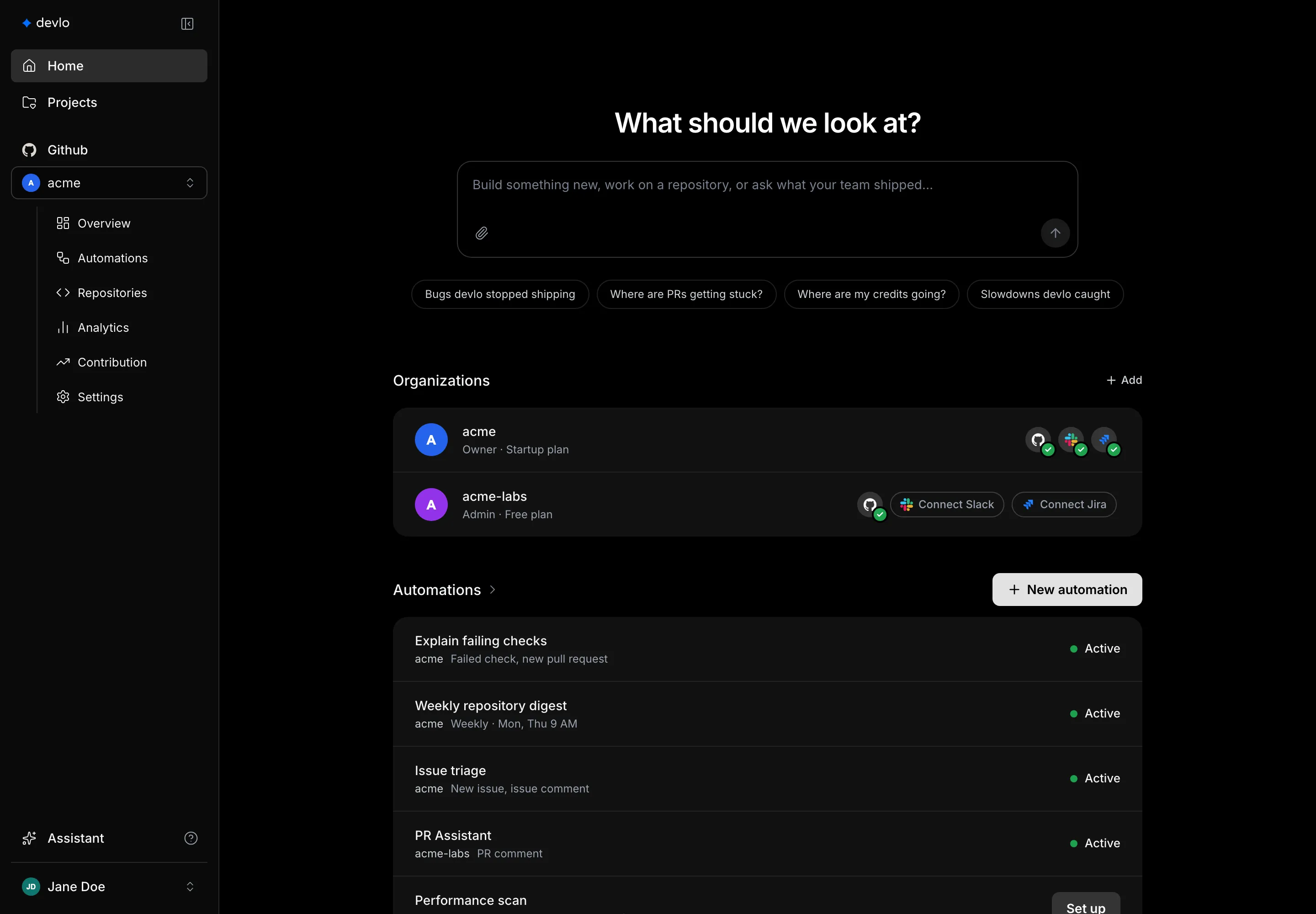
What it can do
Section titled “What it can do”- Answer questions about your plan, credits, and how devlo works. Owners and admins can also ask about their organization, such as its analytics and outcomes. Users can ask about their own activity.
- Read your repositories’ code and pull requests. It can’t change code; to change a pull request, mention
@devloaion it. - Link you to the right setting.
- Offer to start a new project or coding session from your request.
- Start a review of a pull request. Free organizations get one a day.
- Create an automation, or change one you have: its title, instructions, triggers or schedule, scope, model, tools, or email notifications, or pause it.
After the Assistant has read a file you attached, it saves a new automation turned off and doesn’t change an existing one; it describes the change and links to the automation so you can make it there.
Each answer uses credits. See How credits work.
Related
Section titled “Related”Also known as: chatbot, help, ask devlo, in-app assistant.