

Slack
Mention @devlo in Slack to ask about your code or request a change. devlo answers in the thread or opens a pull request.
Before you begin
Section titled “Before you begin”- You’re an owner or admin of the devlo organization.
- GitHub is connected.
Connect Slack
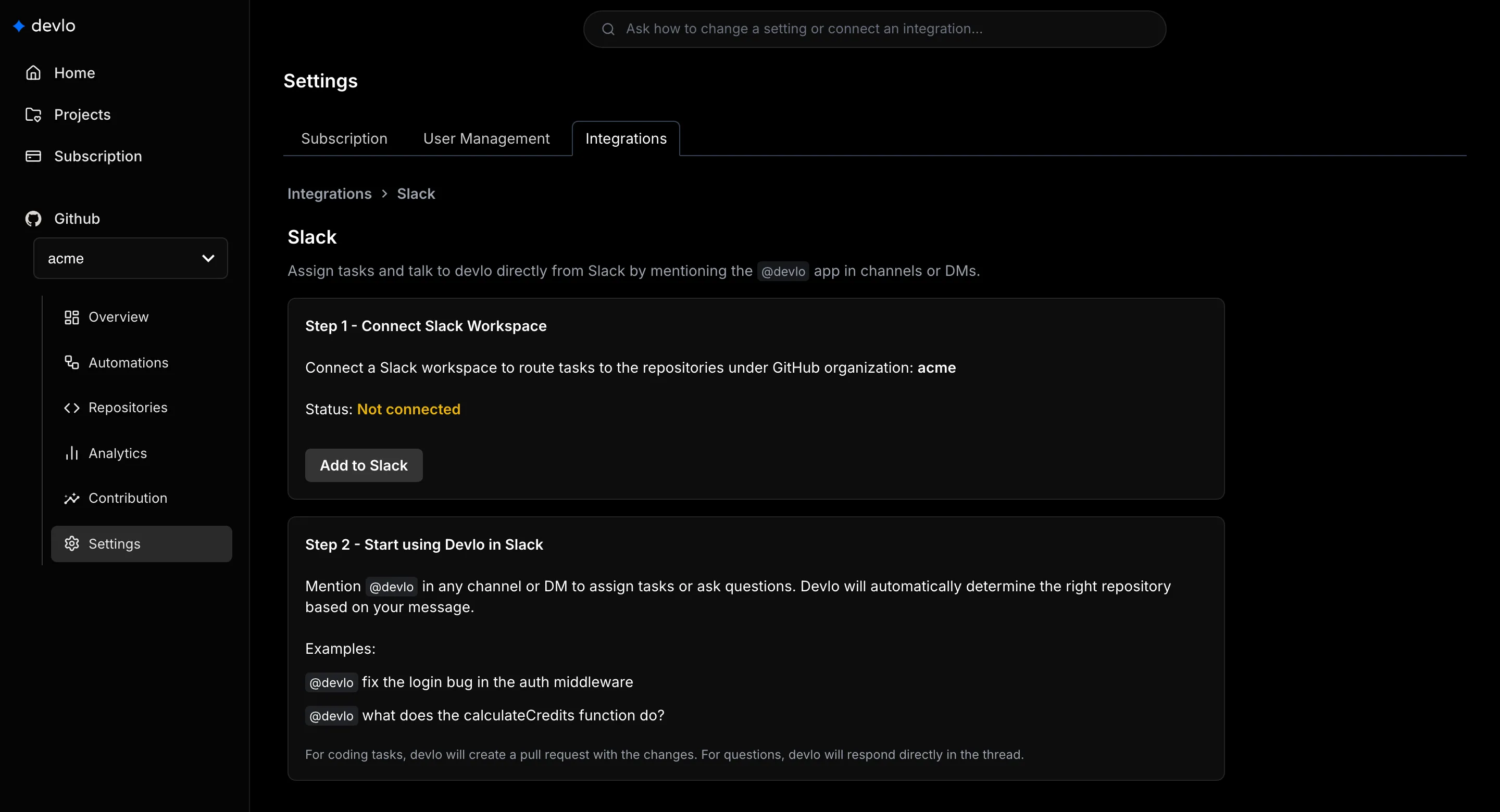
Section titled “Connect Slack”- Go to Settings > Integrations > Slack.
- Select Add to Slack and approve the permissions.
- Invite
@devloto the channels where you’ll use it, or send it a direct message.
devlo reads only the channels and direct messages it’s in. See Access and permissions.
Use it
Section titled “Use it”@devlo fix the login bug in the auth middleware- devlo picks a repository from your message and the conversation, and asks if it isn’t sure. Name it, for example
acme/api, to skip the question. - When you ask for a code change, it opens a pull request. For large changes it may share a plan first; mention
@devloin the thread to approve it.
Limits and disconnecting
Section titled “Limits and disconnecting”One Slack workspace per devlo organization, and one organization per workspace. To disconnect, select Disconnect on the same page, then remove the app from your Slack workspace.
Related
Section titled “Related”Also known as: Slack integration, @devlo, channel, direct message, Slack bot.